3D Anime Ice Paladin Girl Character Sheet | Frozen Warrior Render
Description
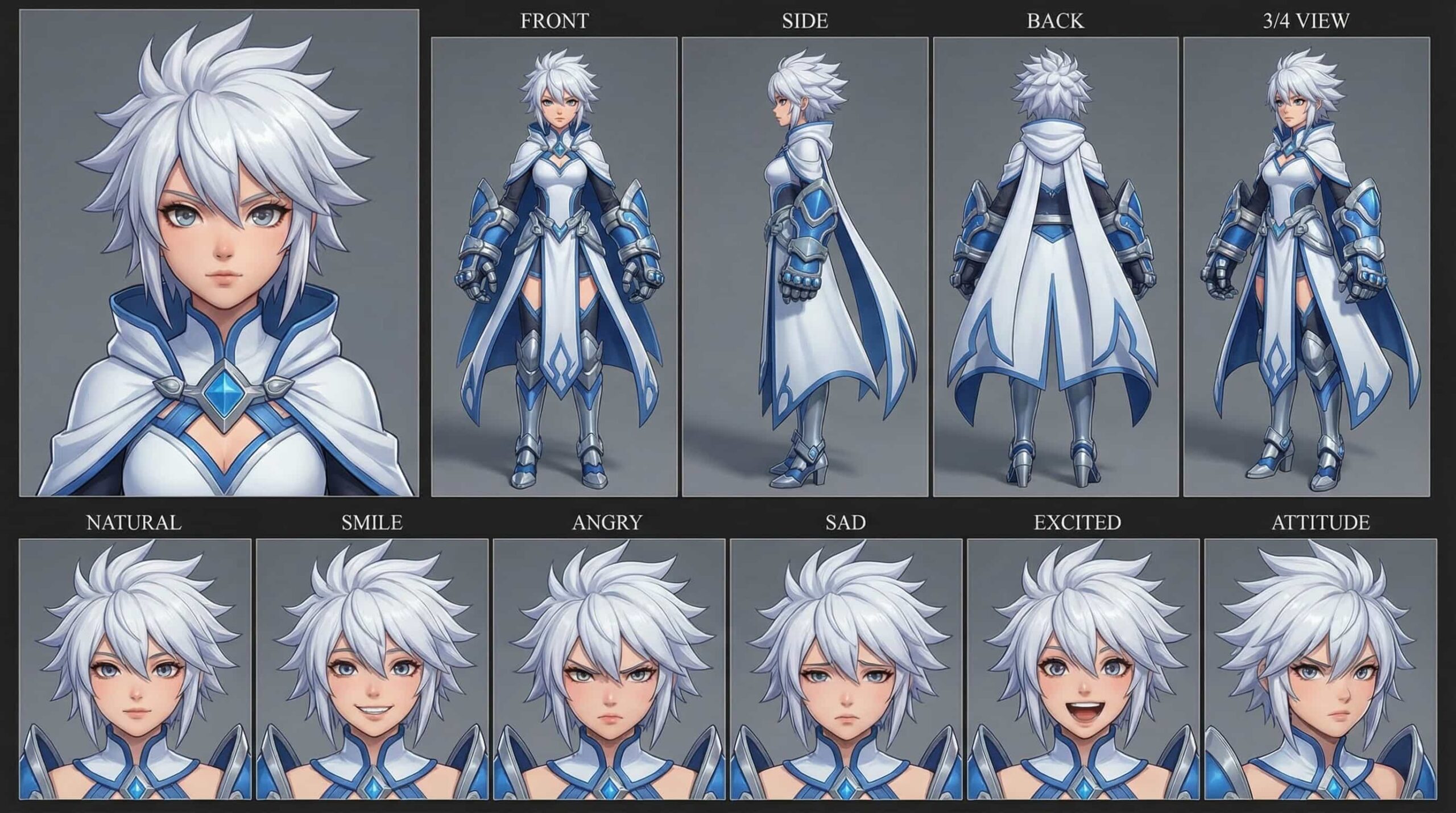
A stoic 3D anime ice paladin character featuring spiky white hair, piercing light blue eyes, and formidable white and blue heavy armor with large gauntlets and a hooded cape. Her...
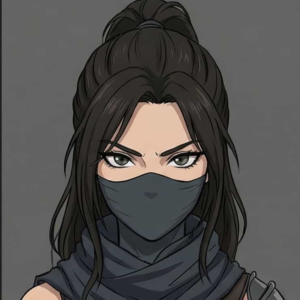
A stoic 3D anime ice paladin character featuring spiky white hair, piercing light blue eyes, and formidable white and blue heavy armor with large gauntlets and a hooded cape. Her cool, stylized 3D render and resolute demeanor make her an excellent choice for fantasy RPGs, ice-themed projects, or character design inspiration.
Prompt
Your task is to generate a high-quality cinematic video using the provided character sheet as the ONLY reference for the character.
--- CHARACTER LOCK...
Your task is to generate a high-quality cinematic video using the provided character sheet as the ONLY reference for the character.
--- CHARACTER LOCK RULES (STRICT) ---
- Use the EXACT same character from the provided character sheet
- DO NOT change face, identity, hairstyle, or facial features
- DO NOT change outfit
- Maintain consistent body proportions and character design
- Preserve the same art style, rendering style, and visual quality
- The character must look identical in every frame
--- VISUAL QUALITY RULES ---
- Cinematic lighting
- High detail, 4K quality
- Depth of field, motion blur where appropriate
- Realistic shadows and reflections
- Smooth animation, no flickering or distortion
--- CAMERA & MOTION ---
- Use dynamic cinematic camera angles (close-up, medium, wide shots)
- Add natural camera movement (pan, tilt, dolly, tracking)
- Maintain smooth transitions between shots
--- SCENE CONSISTENCY ---
- Environment must match the action logically
- Lighting should match scene mood
- No random background changes
- Keep visual continuity across the entire video
--- CHARACTER BEHAVIOR ---
- Natural body movement
- Realistic expressions
- Emotion must match the action
ACTION / STORY:
--- OUTPUT INSTRUCTIONS ---
Generate a cinematic video scene based on the action above while strictly following all character and visual consistency rules.
How to Create AI Videos Using Character Sheets
1. Prepare: Download your character sheet to use as your primary Reference Image.
2. Customize Prompt: Copy the Prompt Template and only update the "Action/Story" section with your scene (e.g., character...
1. Prepare: Download your character sheet to use as your primary Reference Image.
2. Customize Prompt: Copy the Prompt Template and only update the "Action/Story" section with your scene (e.g., character walking in rain).
3. Choose Tool: Open an AI generator like Runway ML, Pika, or Leonardo AI.
4. Generate:
* Upload the character sheet.
* Paste your customized prompt.
* Set settings to 1080p and Medium Motion.
5. Finalize: Generate, download, and use for TikTok, Reels, or YouTube.
🔥 Pro Tips:
Consistency: Always use the same reference sheet for the same character.
Keywords: Use "cinematic lighting" or "slow motion" for better quality.
Iterate: Generate 2–3 variations to get the perfect shot.